
Showing posts with label presentations. Show all posts

Friday, January 25, 2019

Presentation Learning Outcomes


The presentation winds up...
.
Producer: Thank you to the speakers today. I want to ask the audience before we close. “What’s your takeaway today? What point had personal relevance for you?”
.
Audience 1: It was, “Think like a designer.”
.
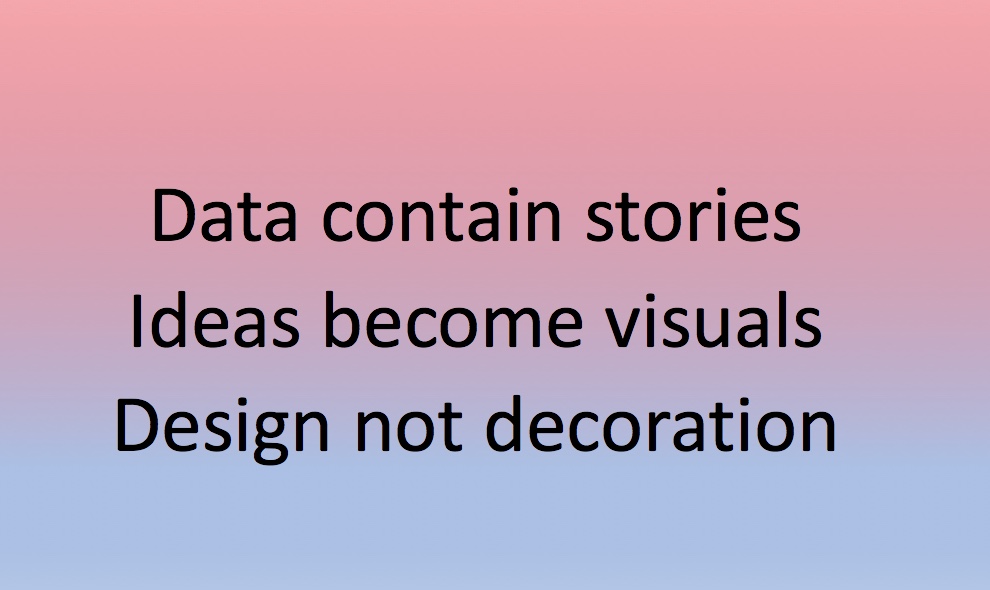
Audience 2: “Find the story in the data.”
.
Audience 3: “Tailor your presentation to the audience.”
.
Audience 4: “What emotions do you want the audience to feel?”
.
Audience 5: “Keep it simple, don’t over-decorate the design.”
.
Audience 6: “Turn your ideas into visuals.”
.
Audience 7: “Think of it as a performance, not just a presentation.”
.
Audience 8: Plan it like a movie, from producer to director, with the most important role being the editor who CUTS.”
.
Audience 8: A good presentation takes a lot of time to prepare and rehearse.”
____________
Voice-over
The gratifying part about a presentation is that the audience asks questions and a dialogue between speaker and audience develops. To trigger that, you need a good chairperson to prompt the personal learning outcomes at the conclusion: “What’s your takeaway today?”
...

Wednesday, January 16, 2019

Presentation Titles: subtlety vs exhortative ad copy


Spicing up a PowerPoint…
.
Ted: Title slide. "Better presentations." Too weak.
.
Edward: I agree. How about some alliteration? "Powerful presentations."
.
Ted: Still no power. How about a metaphor? “Supercharge your delivery.”
.
Edward: Ha. Souping up a pizza scooter?
.
Ted: "Inspirational performances"?
.
Edward: Still sounds like ad copy for consumers instead targeting academics. “Buy now while stocks last” sort of thing. Exhortative. Even extortionist?
.
Ted: Maybe academics sometimes need a bit of ad copy exhortation.
________
Voice-over
In the end a compromise is reached. "Mastering the art of professional presenting." Understated upskilling : “mastering the art.” Maintaining the dignity of a “profession.”
...

Tuesday, May 31, 2016

PowerPoint to Movie

Inconvenient Truth did a great job…

Beyond PowerPoint
Marigold: Do I need special editing software to make a simple film?

Teacher: You can use PowerPoint. It’ll do a lot. The slides act as a storyboard. You add text. You add pictures. Set the slide background color. You can add voice-over narration. Music. And movie clips.

Marigold: How do I play it as a movie though?

Teacher: Set transitions from the Slideshow menu. Choose Set up Show, choose “Kiosk”, then add slide duration like 2 or 3 seconds in the top right corner. Save as Movie.
_________________
Voice-over
Those are the basic steps. Start with a suspenseful story, interesting characters and appropriate pacing. Then edit, edit, edit.
...

Saturday, December 1, 2007

Black art

David and Estella must make a presentation for a new office interior. Unlike Steve Jobs, they don’t have two months to practise. Presentation is scheduled for Monday morning and this is Saturday afternoon. They call in Yimou of NQOP.

...

Yimou: You want this contract?

David: We need it to stay in business.

Yimou: Then you should make a DVD for this presentation. Show them and then give them a copy to take away.

Estella: Why not PowerPoint?

Yimou: Too canned-looking. It’s got to be a movie now with 3D walk-through shots to get attention.

David: Video editing and then burning the result to a DVD? Used to be called a black art. I once took a week to shoot and edit and finally get the results on a 15 minute short film.

Yimou: 15 minutes? Too long for a short film. Especially yours. Ten’s plenty. You can learn iMovie and iDVD in a day. Start at 10 and by 4 have the essentials.

David: Too busy.

Yimou: OK, if you’re too busy, I’ll do it. Got a spiel?

Estella: Here.

Yimou: Hmm. Filming tomorrow, I can edit and burn between dinner and lights out tomorrow night.

...